
If you’ve saved a number on WhatsApp but it doesn’t appear in your phone’s contact list, don’t worry. This issue is usually due to a small setting in WhatsApp. Here’s how to ensure your contacts sync properly.
1. Why This Happens-
WhatsApp has a feature called “WhatsApp Contact”, which allows you to save numbers directly to WhatsApp.
-
This is useful if you use WhatsApp on multiple devices because your contacts remain accessible across all devices.
-
However, if the Sync option is not enabled, the number will only appear in WhatsApp and not in your phone’s contact list.
Step 1: Open WhatsApp and go to Settings.
Step 2: Tap on Privacy.
Step 3: Find Contacts and enable the toggle.
Step 4: While saving a number, make sure to turn on “Sync contact to phone”.
Once this is done:
-
The number will be saved on both WhatsApp and your phone.
-
You can also access it on any device where WhatsApp is logged in.
-
If you only want the number to stay in WhatsApp and not sync to your phone, you can turn off the “Sync contact to phone” option.
Tip: Always check this toggle while saving new numbers to avoid confusion later.
-
Wild elephant scare returns in Malnad region, chased villagers

-
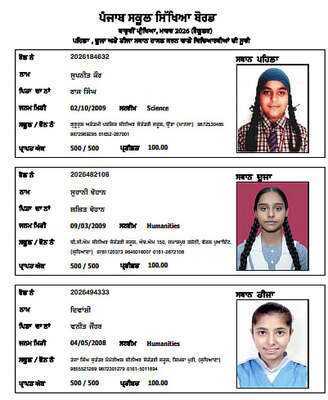
Punjab Board PSEB Class 12th Result 2026 Announced

-
Former Mohun Bagan president 'Tutu' Bose dies at 79 after cardiac arrest

-
Vat Savitri Vrat 2026: Observing the Vat Savitri Vrat for the first time? These tips are absolutely essential for new brides..

-
PSEB Class 12 Toppers 2026 OUT: Suhani & Divanshi Tops Humanities, Supneet Kaur Scores 100% In Science; Check Full List Here