The Employees’ Provident Fund Organization (EPFO) has expanded its digital services, allowing members to update key employment details online — including the date of leaving a job. This feature is especially useful for those who need to update their exit date before joining a new employer or while filing PF withdrawal claims.
How to Update Your Exit Date in EPFO
Visit the official EPFO member portal and log in using your UAN and password.
Once logged in, go to the “Manage” section and select the “Mark Exit” option.
Choose the PF account for which you want to update the exit date.
Enter the date of leaving and select the reason for leaving your job.
Click on “Request OTP.” An OTP will be sent to your Aadhaar-linked mobile number.
After entering the OTP, tick the declaration checkbox and click “Update.”
Once confirmed, your exit date will be successfully updated in the EPFO records.
Employee Enrollment Scheme 2025
In a related development, the government has launched the Employee Enrollment Scheme 2025, effective from November 1, 2025. Announced by Union Labour and Employment Minister Mansukh Mandaviya during EPFO’s 73rd Foundation Day, the initiative encourages employers to voluntarily register eligible employees under the EPF system.
Under this scheme, employers will not need to deposit employee contributions for past periods if deductions weren’t previously made. Instead, only a nominal penalty of ₹100 will apply, simplifying the enrollment process for both employers and workers.
Minister Mandaviya emphasized that the EPFO is not just a financial institution but a pillar of trust for India’s workforce, ensuring long-term social security.
-
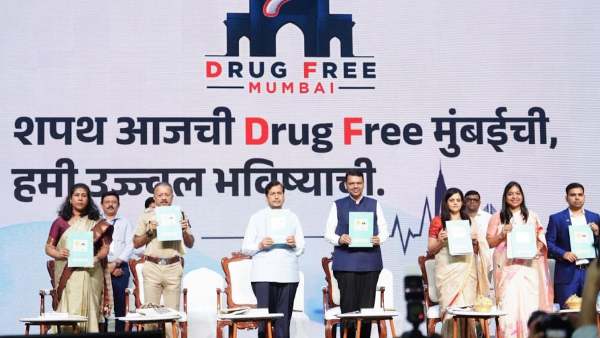
Maharashtra CM Devendra Fadnavis Launches 'Drug-Free Mumbai' Drive, Targets Drug Networks Near Schools
-
'The team comes first' - Ruben Amorim speaks on Rafael Leao's future as AC Milan winger is linked with Fenerbahce move

-
‘It is not FIFA’s to sell’ - Gianni Infantino’s $20 billion World Cup power move puts football’s soul on the market - and makes resistance too costly

-
Lovepreet''s record silver headlines day; Neeraj, two others reach javelin final

-
Son of a tailor, Punjab''s Lovepreet wins silver with CWG ''snatch'' record