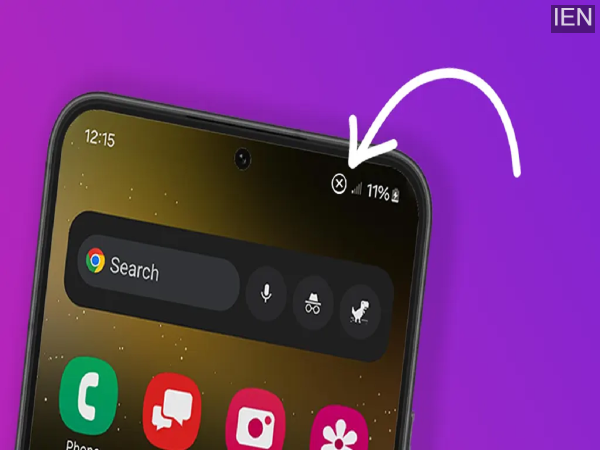
Not being able to connect to a mobile network is a common problem that every mobile user faces. However, with the help of a few tips, this problem can be resolved.
Sometimes you're talking on the phone, and suddenly the sound cuts out. Upon checking, you find that the mobile network has disappeared. This is a common problem that mobile users deal with daily. This problem becomes even more severe in remote areas and while traveling. Because of this, you are unable to make important calls and send messages. Today, we are going to tell you some tips that can help you overcome mobile network problems.
Check Your Location
Does your mobile network drop as soon as you enter your home, office, or a particular building? If so, you're not alone in experiencing this problem. Sometimes, the building materials used in construction can block the network. This is why you have to go to the roof of your house or outside the office to attend calls.
Restart Your Phone
Your mobile phone constantly searches for a network and tries to connect to the nearest tower. Sometimes it fails to do so. In such a situation, restart your phone. As soon as it restarts, the phone will automatically connect to the nearest tower.
Keep Your Phone Updated
Sometimes, software glitches can also prevent the phone from connecting to the network. This happened with the iPhone 17 series in its initial days, after which Apple released an update to fix the problem. Therefore, always keep your phone's software updated.
Keep Your Battery Charged
Few people know that the battery charge level is directly related to the network. When the battery is low, the phone's system reduces the power supplied to several parts, including the signal antenna. Therefore, the phone's antenna cannot search for signals properly. To avoid this, keep your phone's battery charged.
-
Zee Samvad Real Heroes 2026: Border 2 stars Ahan Shetty and Nidhi Dutta honoured for their remarkable achievements

-
Kareena Kapoor breaks silence on how Taimur maturely handled Saif Ali Khan’s stabbing incident at ZEE Samvad Real Heroes Awards 2026

-
Capillary Technologies Q3: Profit Declines 22% YoY To INR 8 Cr

-
Berlin airport halts takeoffs, landings for second day due to black ice
-
Angela Rayner can never replace Keir Starmer as PM - and the reason is hilarious