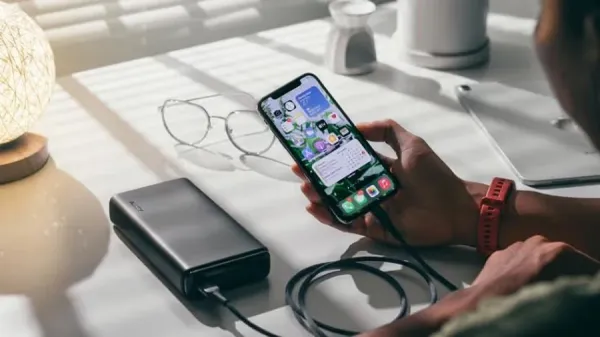
Friends, as we all know that Apple iPhone is the biggest company in the world, which has fans all over the world, but a common worry that troubles its users is that the battery drains quickly, it is not able to last the whole day, then you are not alone. Many users face this problem due to their daily usage habits and neglected settings. The good thing is that by making some simple changes, you can significantly improve the battery life of your iPhone, let us know about these tips-
1. Use Low Power Mode
Turn on Low Power Mode to reduce background activities, such as downloads, mail fetches, and visual effects.
2. Adjust screen brightness
Keep your screen brightness at a comfortable level rather than at maximum. Too much brightness drains the battery quickly, so using Auto-Brightness or lowering it yourself can make a big difference.
3. Identify battery draining apps
Some apps use more battery than others. Go to your iPhone’s battery settings to see which apps are using the most power and limit their use when necessary.
4. Manage Location Services
Turn on Location Services only when you need them. Keeping GPS running in the background can significantly reduce battery backup, so limit access to essential apps only.
5. Use Airplane Mode when the phone is not in use
If you’re not using your phone or are in an area with a weak network, turn on Airplane Mode.
-
CBSE Introduces New Result Preparation Method for Gulf Students Amid Exam Cancellations

-
Join the Indian Army: Recruitment for Veterinary Officers in 2026

-
My dishwasher gleams when I clean it with 1 cheap natural ingredient-not vinegar

-
Two teens arrested on suspicion of murder after Cheltenham bridge incident

-
Jimmy Gomez Resigns from Swalwell's California Governor Campaign Amid Serious Allegations