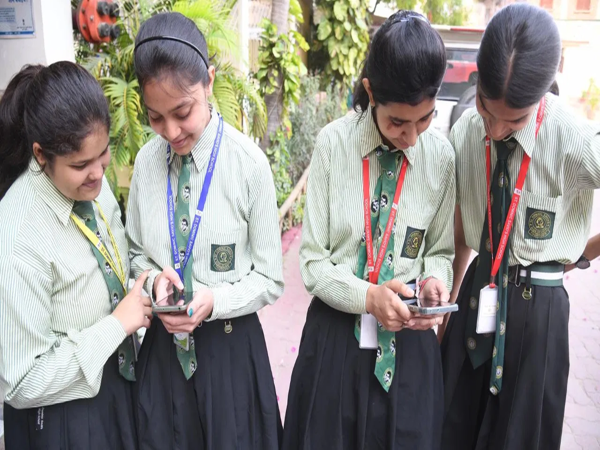
The wait is finally coming to an end for lakhs of Class 10 students under the CBSE Board. According to media reports, the Board is expected to release the Class 10 results soon—likely even before the Class 12 results are declared. A large number of students appeared for the examinations this year, and everyone is eagerly awaiting their results. Although the Board has not yet announced an official date, preparations are nearly complete.
Consequently, it is anticipated that the results will be released by mid-April. Let's explore the various methods available for checking the CBSE Class 10 results.
**When will the CBSE Class 10 results be released?**
According to reports, the CBSE Class 10 results are likely to be released around April 14. While there has been no official confirmation yet, this estimate is based on the Board's current state of preparations. This year, efforts are being made to release the results earlier than usual due to the implementation of the two-examination system.
**Where can you check the results?**
Students can check their results by visiting the official CBSE website. Additionally, the results will also be available on other government portals.
**Key Websites:**
cbse.gov.in | results.cbse.nic.in | cbseresults.nic.in | results.digilocker.gov.in | umang.gov.in
**How to check results online:**
To check their results, students must visit the official website. Once there, click on the "Class 10 Result 2026" link. Next, enter the required details such as your Roll Number, School Number, Admit Card ID, and Date of Birth. Upon submission, your marksheet will appear on the screen; you can then download and print it for your records.
**How to check results via DigiLocker:**
Students can also easily check their results through DigiLocker. To do so, log in to the DigiLocker website or mobile app. Then, navigate to the "Issued Documents" section, click on the "CBSE Class 10 Result" link, enter the necessary details, and view your marksheet.
**Results also available via the UMANG App and SMS:**
Students can also check their results by downloading the UMANG app and navigating to the CBSE section. Additionally, the results can also be checked via SMS. To do this, you need to send "CBSE10
Disclaimer: This content has been sourced and edited from TV9. While we have made modifications for clarity and presentation, the original content belongs to its respective authors and website. We do not claim ownership of the content.
-
Relief for IndiGo, Air India: Govt Cuts Landing and Parking Charges by 25 Pc..
-
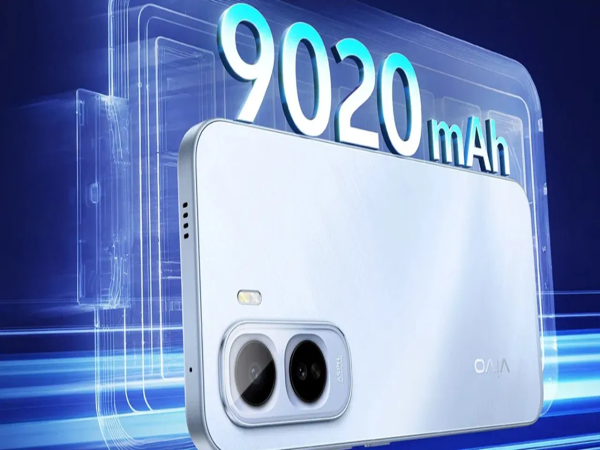
Vivo T5 Pro 5G: The Thinnest Phone with a 9020mAh Battery is Coming Soon—Launch Date Confirmed..
-
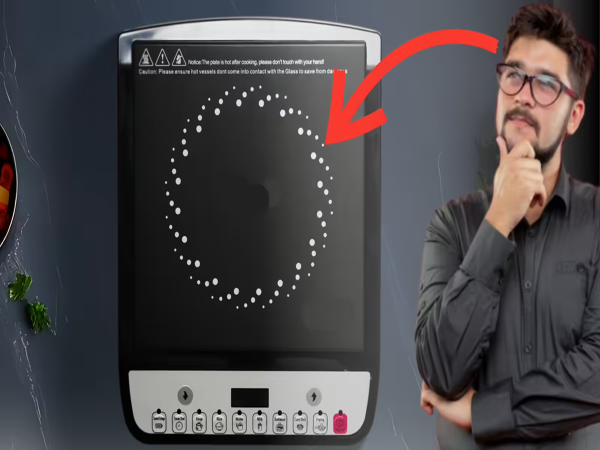
Induction: Why does an induction cooktop feature a circular ring? It's not just a design element..
-
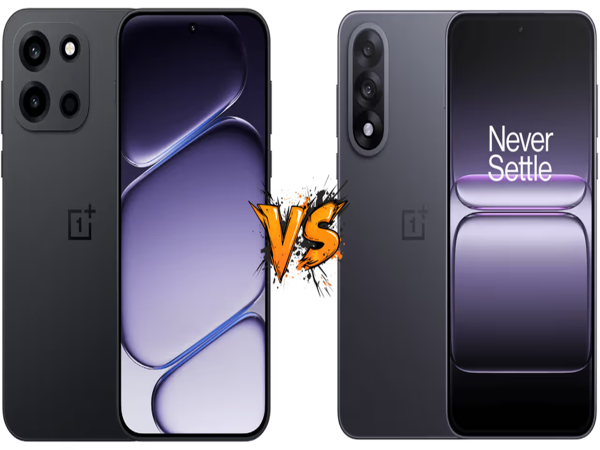
OnePlus Nord 6 vs. OnePlus Nord 5: What's the Difference? Understand Before You Buy..
-
Anthropic's Claude Mythos Is 'Powerful'—It Can Hack Any Software..