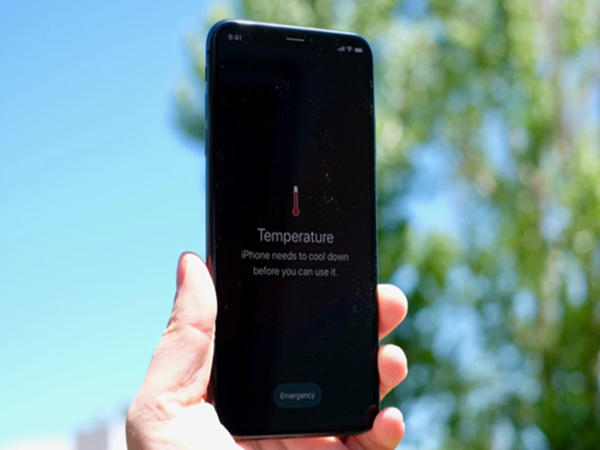
In India's scorching summers, smartphone overheating is a common issue. You, too, might be facing this problem these days. Due to the intense heat, phones tend to heat up very quickly. However, a few small changes in your habits can help resolve this issue. Let's explore 8 easy ways to keep your phone cool.
1. Protect Your Phone from Direct Sunlight
Phones heat up extremely fast when exposed to direct sunlight—especially inside a closed car or near a window. During the summer season, if a phone is left in the sun for even a few minutes, its temperature rises rapidly, and its performance slows down. Therefore, try to always keep it in the shade or in your pocket.
2. Keep Brightness Low and Avoid Heavy Tasks
Full-screen brightness, continuous 5G usage, 4K video recording, or high-graphics gaming—all these factors combined can turn your phone into a furnace. On particularly hot days, keep your screen brightness low and give your phone a short break in between heavy tasks. This makes a significant difference in the phone's temperature.
3. Remove the Phone Cover for a While
Thick and stylish phone covers often trap heat, preventing it from dissipating. If your phone starts to overheat while gaming, charging, or during a long video call, remove its cover for a short period. This allows the phone to return to a normal temperature much faster.
4. Avoid Gaming While Charging
This is the leading cause of smartphone overheating. A phone naturally generates heat while charging, and gaming simultaneously places immense strain on the processor. Performing both tasks at once can cause the phone's temperature to rise to dangerously high levels. Therefore, minimize your phone usage while it is charging.
5. Close Background Apps
Often, the external weather isn't the sole cause of overheating. Numerous apps running in the background silently continue to consume battery power and tax the processor. Clearing recent apps or restarting your phone once a day goes a long way in keeping it cool.
6. Avoid Cheap or Fake Chargers
Charging your phone using low-quality chargers or cables often exacerbates heating issues. Always use original or certified branded chargers, as they regulate temperature more effectively while also optimizing charging speed.
7. Keep Your Phone's Software Updated
Often, a phone heats up due to software bugs or outdated applications. Mobile manufacturers frequently release updates specifically to address and resolve heating issues. Therefore, always ensure that both your phone's operating system and your apps are updated to their latest versions. This method proves particularly effective for older phones.
8. Never Put Your Phone in the Fridge
When a phone overheats, people often make the mistake—which should be strictly avoided—of placing it in a refrigerator or freezer. Sudden changes in temperature can cause moisture to condense inside the device. This can lead to permanent damage to the phone's motherboard. Instead, always place your phone under a fan or in a well-ventilated area to allow it to cool down naturally.
Disclaimer: This content has been sourced and edited from Amar Ujala. While we have made modifications for clarity and presentation, the original content belongs to its respective authors and website. We do not claim ownership of the content.
-
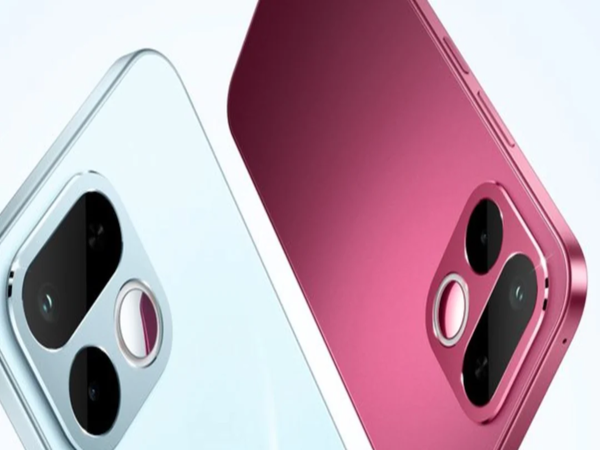
Realme 16T to Launch in India on May 22: No Need for a Charger for 3 Days! Phone's Price and Features Leaked..
-
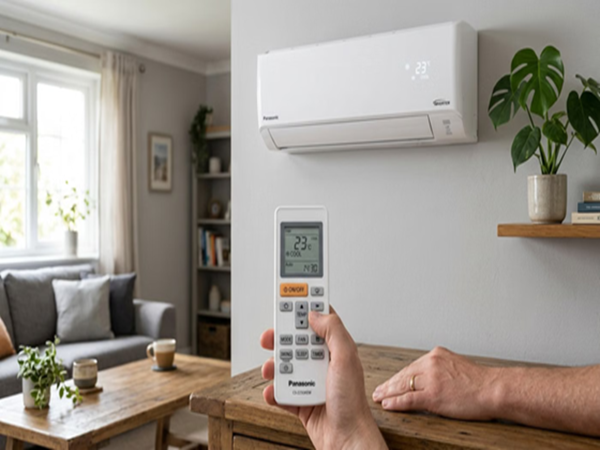
IMD Heatwave Alert: If You Want to Escape the Scorching 45-Degree Heat, Change These AC Settings Immediately..
-
X Account Limits: You Can No Longer Post and Message Unlimitedly on X! Check Out Your Account's New 'Daily Limits'..

-
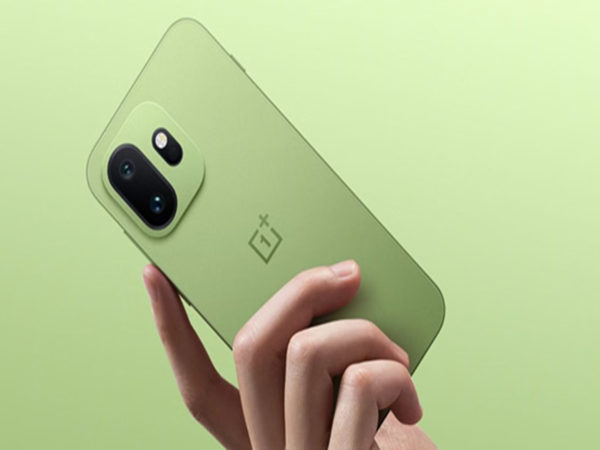
OnePlus: OnePlus Users, Beware! Company Halts Latest OxygenOS Update—Find Out the Full Story..
-
Gold-Silver Price Today: Gold Jumps Again While Silver Prices Slip—Check Latest Rates in Your City