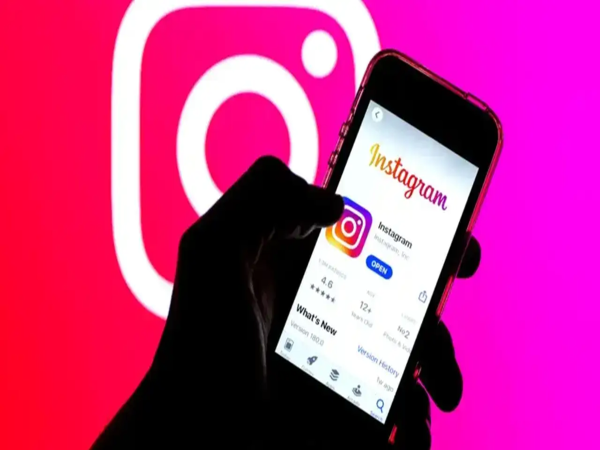
Hide Instants in Inbox Setting: Instagram's new "Instants" feature allows users to quickly snap a photo and share it instantly with their friends or "Close Friends." This feature was introduced specifically to promote authentic and real-time photo sharing. Many people even view it as a direct response to Snapchat's features.
Trending Videos
Instagram New Feature Update: How Does It Work?
Instagram users are alerted to this feature via a pop-up notification, which appears in their inbox as a mini photo stack. When a user taps on it, the camera opens immediately; pressing the shutter button captures the photo instantly and sends it to their selected friends or "Close Friends."
Instagram Privacy Settings: Not a Fan of This Feature?
Many users are struggling to understand the settings for this feature. They argue that the process of sending photos is too rapid and confusing. Consequently, users sometimes inadvertently send the wrong photos. Furthermore, the "Undo" option is limited, as photos are shared instantly. For this reason, many people wish to disable it—implying that they feel their privacy is at risk.
How to Turn Off: Here’s How to Remove the Instants Feature from Your Inbox
If you are not fond of this feature and are concerned about your privacy, you can disable it by following these simple steps:
Go to Your Profile: First, open the Instagram app on your smartphone and tap on your profile icon, located in the bottom-right corner of the screen.
Open the Menu: Once on your profile page, tap on the three horizontal lines located in the top-right corner.
Go to Settings: Here, you will see the "Settings" option for the app; tap on it.
Select Content Preferences: Scroll down within the Settings menu and navigate to the "Content Preferences" section.
Toggle On: Here, you will find an option labeled "Hide Instants in Inbox." Toggle the switch next to this option to turn it on.
What Happens After Disabling the Feature? As soon as you turn off this feature, that mini photo stack will completely disappear from your Instagram inbox. Consequently, you will neither be able to accidentally send photos to anyone, nor will any instant photos sent by other users appear in your inbox. This will make your chat list look clean and secure, just as it was before.
Disclaimer: This content has been sourced and edited from Amar Ujala. While we have made modifications for clarity and presentation, the original content belongs to its respective authors and website. We do not claim ownership of the content.
-
Quiz Challenge: Can You Identify Every Club That Has Ever Reached a UEFA Final?

-
Who was B.C. Khanduri? Former Uttarakhand CM and ex-road transport minister behind India’s massive highway push dies at 91
-
Hebrew proverb of the day: ‘For in much wisdom is much grief, and he who increases knowledge increases sorrow’ - a lesson on awareness and emotional balance

-
India’s lost chip dream: The mysterious 1989 fire that may have cost the nation the AI race
-
Ancestors borrowed money once… their children, grandchildren & great-grandchildren paid price for 130 years, until stranger arrived as saviour. Emotional video