Your Android smartphone stores a huge amount of personal information, including photos, contacts, messages, passwords, banking apps, and location history. However, many users continue using their phones with the default privacy settings, which may expose more information than necessary.
Making a few simple changes can improve your privacy and security without affecting your daily usage.
Review App PermissionsMany apps request access to your camera, microphone, contacts, location, and storage even when they don't need it.
Go to Settings > Privacy > Permission Manager and review which apps have access to sensitive data. Remove permissions that are unnecessary.
Allow Location Only While Using an AppInstead of giving apps permanent access to your location, choose Allow only while using the app whenever possible.
This prevents apps from tracking your location in the 't require special apps or technical knowledge. Reviewing permissions, limiting location access, enabling security features, and keeping your phone updated can significantly improve your Android device's privacy. Spending just a few minutes on these settings can help safeguard your personal information every day.
-
Company to pay a dividend of ₹1,10,717 per share; associated with the Tata Group

-
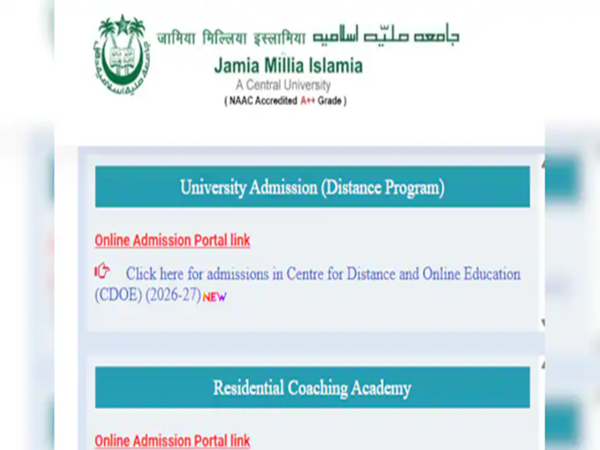
Applications open for distance and online courses at Jamia Millia Islamia; check the details..
-
Banks to remain closed for 14 days in August; check the RBI bank holiday schedule here.

-
Details of 3 lakh Bank of Baroda customers leaked! If you have an account, do these 5 things today..

-
NTA Faces Scrutiny Again Over NEET Results; Student Claims -11 Marks Instead of 668