With ChatGPT's new feature, you can create custom stickers based on your own ideas. All you need to do is provide a few prompts, and the stickers will be generated for you.
People are increasingly active on messaging platforms these days, and the use of stickers during chats has become commonplace. Users often rely on existing in-app stickers to express their emotions, but they frequently struggle to find stickers that perfectly match their preferences, forcing them to make do with what is available. OpenAI has now changed this dynamic. The company has introduced a feature in ChatGPT that transforms your thoughts into stickers—allowing you to create stickers based on your own unique ideas.
This new feature from OpenAI is powered by ChatGPT Images 2.0. Users simply need to specify the type of sticker they want to create, and ChatGPT will generate it based on the provided prompt.
For instance, if you have a dog, you could enter a prompt like "Create a cool sticker for my dog." You can generate stickers tailored exactly to your liking in this manner.
According to reports, the company has established specific guidelines for sticker creation; a single user can generate up to nine stickers using this feature. Additionally, users have access to 18 different styles to customize the look of their stickers.
Once created, users can download the stickers. There is also an option to share them directly via WhatsApp or iMessage. Furthermore, the generated stickers can be remixed with emojis, allowing for further customization according to personal preference.
Using this feature is very simple; just open the ChatGPT app on your phone to get started. Type a prompt in the chat describing your sticker idea or character. ChatGPT Images will generate a sticker pack based on your instructions.
Choose your preferred option from the available styles. Remix the sticker with emojis as desired. Download the finished stickers or share them on WhatsApp and iMessage.
-
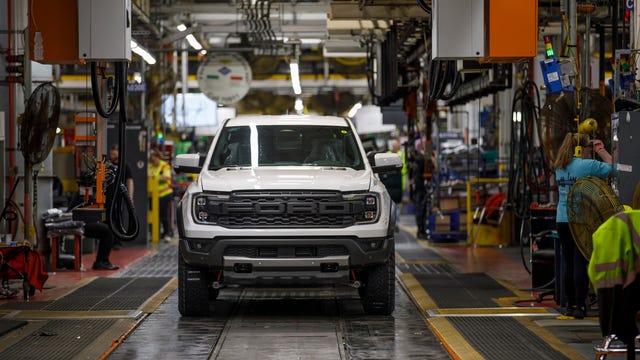
Ford Brings in NHTSA Veteran to Boost Quality After 12.9 Million Vehicles Were Recalled Last Year
-
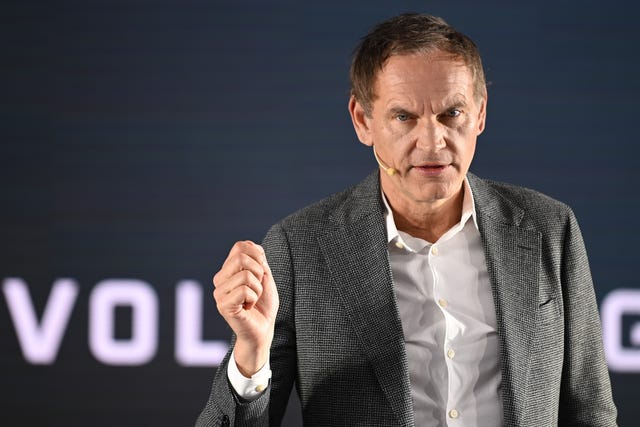
VW CEO Oliver Blume Reportedly Booed by Workers as Plant Closure Fears and Up to 100,000 Job Cuts Hang Over Germany
-
Pet First | Bathing Your Dog Too Often May Harm Their Skin And Coat; Know The Right Routine

-
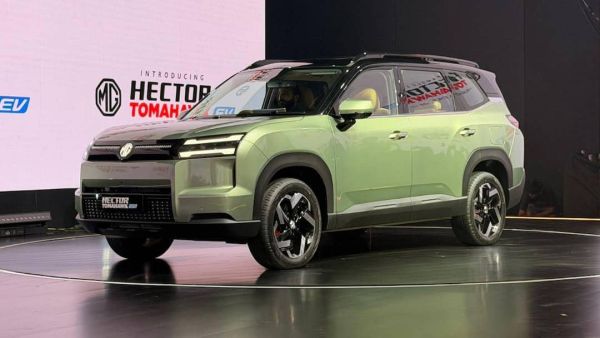
MG Hector Tomahawk EV Launched At Rs 13.99 Lakh: Check Range, Features
-
Khelo India Dialogue: PM Modi to engage with youth on sports