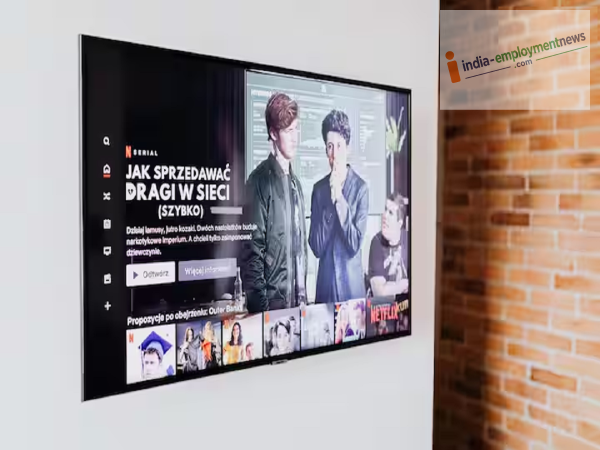
Even if your TV doesn't have built-in Bluetooth, you can still make it wireless. Let’s explore how to connect wireless headphones and speakers to your TV.
The use of wireless earphones, headphones, and speakers has surged recently. However, if you have an older TV without Bluetooth connectivity, it doesn't mean you are stuck using wired devices. You can add Bluetooth support to an older TV using some simple and affordable methods.
To do this, you need to purchase a Bluetooth transmitter. This compact device connects to the TV's audio output and converts the audio into a Bluetooth signal. You can then wirelessly connect Bluetooth headphones, earbuds, or speakers to it.
The price of these transmitters varies based on the model and features, but basic models are generally quite affordable. This means your old TV can deliver wireless audio without the need to buy a new smart TV.
First, check which audio output ports are available on your TV. Many TVs come with a 3.5mm headphone jack, RCA audio output, or Optical output. Connect the transmitter to the corresponding port on your TV.
Next, power up the transmitter. Some models draw power from a USB port, while others require a separate power source. Now, put your Bluetooth headphones or earbuds into pairing mode and connect them to the transmitter. Once connected, the TV's audio will play through your wireless device.
Simply buying the cheapest Bluetooth transmitter isn't always the best choice. Select a model that is compatible with your TV's available audio ports. If you want to avoid audio-video lag while watching movies or gaming, a model with "Low Latency" support is a better option.
Also, check how many Bluetooth devices the transmitter supports simultaneously. Some advanced models allow you to connect up to two pairs of headphones or speakers at the same time.
-
Ford Brings in NHTSA Veteran to Boost Quality After 12.9 Million Vehicles Were Recalled Last Year

-
VW CEO Oliver Blume Reportedly Booed by Workers as Plant Closure Fears and Up to 100,000 Job Cuts Hang Over Germany

-
Pet First | Bathing Your Dog Too Often May Harm Their Skin And Coat; Know The Right Routine

-
MG Hector Tomahawk EV Launched At Rs 13.99 Lakh: Check Range, Features

-
Khelo India Dialogue: PM Modi to engage with youth on sports