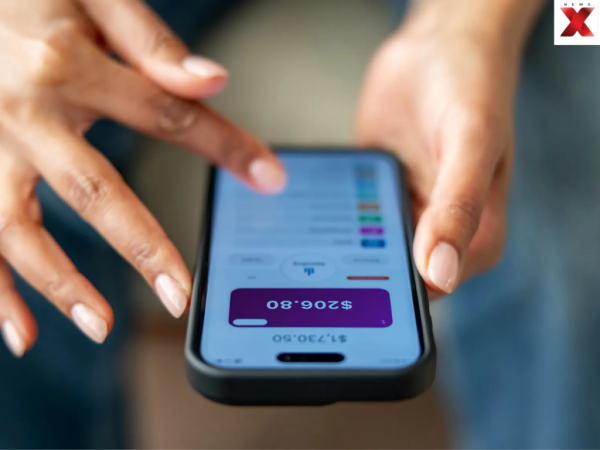
To continue receiving OTPs, transaction alerts, and account updates, you must keep your registered mobile number active. Most banks now allow you to update your number online using mobile banking, internet banking, or an ATM—saving you a trip to the branch. However, the exact process varies from one bank to another, and some banks may require additional verification before the new number is activated.
Update Mobile Number Through Net Banking
Customers who have access to internet banking can check whether their bank provides an option to update their registered mobile number online. Typically, users need to log in, go to the Profile, Personal Details or Contact Information section and select the option to change the mobile number. The bank may send an OTP to the existing number or use another authentication method. If the old number has already been disconnected, some banks may not allow the change through this route.
Use Bank’s Mobile App
Several banks also provide mobile-number update facilities through their official banking apps. After logging in, customers can look under Profile, Settings or Service Requests for an option to update contact details. Depending on the bank, authentication may involve an OTP, debit card details or other security checks.
Change Mobile Number Through ATM
Some banks allow customers to update their registered mobile number through their ATMs. After inserting the debit card and entering the PIN, users may find the option under Services or Registration. The customer may need to enter both the old and new mobile numbers or complete an additional verification step.
What to do if Old Number is Already Disconnected?
If the old number cannot receive OTPs and the bank does not offer an alternative digital verification method, you may still have to visit the branch. Customers should check their bank’s official website or app for the latest procedure before attempting the update. Never share your OTP, PIN, CVV or internet-banking password with anyone claiming to help update your mobile number.
Shamshad Ali is a New Delhi–based journalist with over six years of experience spanning breaking news writing, on-the-ground reporting, and editing. When he isn’t chasing headlines, Shamshad is usually exploring new destinations, discovering hidden culinary gems, and striking up conversations with strangers. Many of whom turn out to be great sources, and even better friends. He can be reached at shamshadali.dar@gmail.com.
The post Old Bank Number Disconnected? Here’s How You Can Update Your New Mobile Number Without Visiting Branch appeared first on NewsX.