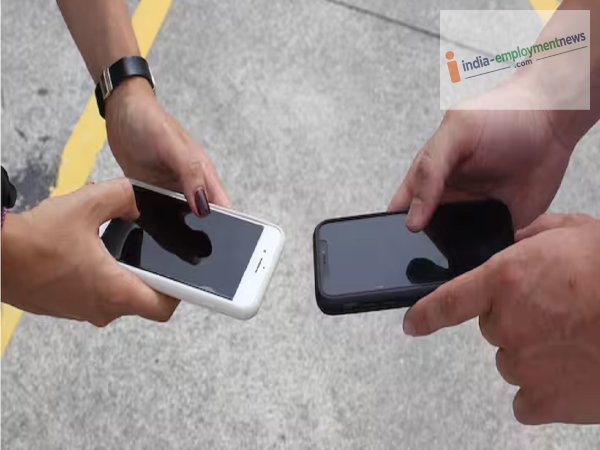
It is common for phones to heat up during summer, but incorrect settings and excessive app usage can also cause the device's temperature to rise. Here are the settings that can contribute to your phone heating up.
A slight rise in phone temperature during summer is normal, especially when the ambient temperature is high. However, if your phone heats up without heavy use or gets excessively hot while charging, the weather isn't the only possible cause. Certain settings, apps running in the background, and continuous usage can also be responsible. You can prevent your phone from overheating by making a few simple adjustments.
Many apps continue running in the background even after you close them. This places a load on the phone's processor and battery, causing the device to heat up. Close such background apps when they are not needed.
Using your phone continuously at high brightness levels drains the battery quickly and causes the device to heat up. Adjust the brightness according to your needs or use the 'Auto-brightness' feature.
Activities like gaming, video editing, and other resource-intensive tasks put a heavy load on the phone's processor. Prolonged engagement in these activities raises the phone's temperature. If the phone feels too hot, stop using it for a while.
Phones naturally generate heat while charging. Engaging in gaming or watching videos while the phone is plugged in can cause the temperature to rise even further. Therefore, avoid heavy usage while charging your phone.
Keeping features like mobile data, GPS, Bluetooth, or Hotspot constantly enabled drains the battery faster and can cause the phone to heat up. Turning off unnecessary features helps reduce the load on the phone.
Outdated software or apps can sometimes cause issues that lead to excessive battery drain. Make sure to keep your phone's system and apps updated regularly. If the phone continues to overheat without reason even after updates, it is advisable to have the battery or hardware checked.
-
Things to Check Before Buying or Renting a Home/Flat in Delhi

-
Gas companies advise replacing this LPG cylinder component every 5 years
-
If you have ₹10 lakh in your EPF, compounding can turn it into crores; here is the math
-
Does your phone have NFC? Find out what you can do with it.

-
No Scam Detection on Your Phone? These 5 Apps Will Act as Your Digital Shield