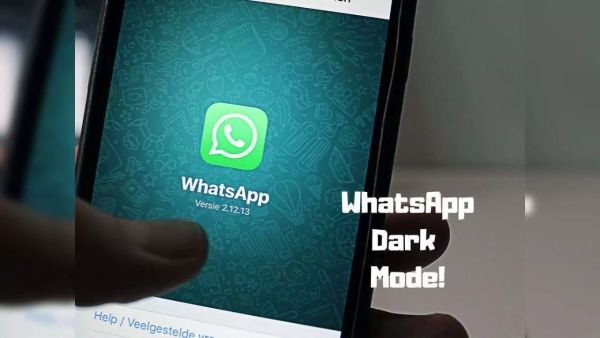
WhatsApp will automatically switch to Dark Mode as soon as it is night! Just enable this setting on your phone. Have you ever noticed that using WhatsApp in a bright environment at night causes eye fatigue? If yes, then WhatsApp has a special feature for you – Dark Mode! Nowadays, millions of people around the world are using Meta’s chatting app WhatsApp. It is used not only for chatting but also for video calling, voice calling and file sharing. WhatsApp is one such chatting app that people use several times a day.
Eye fatigue from using WhatsApp at night?
Have you ever noticed that your eyes get tired when you use WhatsApp in bright light at night? If yes, then WhatsApp has a special setting for you. WhatsApp offers many features, one of which is display theme. You can choose the theme of WhatsApp according to your need.
WhatsApp will turn dark as the night falls
There is a dark mode option in WhatsApp. Once you make the theme of WhatsApp dark, it becomes very easy to use it at night. The bright light coming out of the screen will not affect your eyes. You can use WhatsApp with a black background instead of a white background.
Using dark mode is also helpful in protecting your WhatsApp messages from being read by others. In bright light, another person can read your WhatsApp messages just by looking at your screen. On the other hand, if the background remains black, your message will remain hidden from others.
How to enable dark mode on WhatsApp?
To enable dark mode on WhatsApp, first you have to open WhatsApp. After this, click on the option with three dots on the top right corner. Now you have to tap on “Settings”. Then go to “Chats”. After this, click on “Theme”. Now you can choose dark mode from dark, light or system default.
-
Dominik Szoboszlai extends Liverpool stay with new five-year deal, boosting Andoni Iraola’s plans

-
Bayern Munich remain composed over Michael Olise’s future after assurances from Real Madrid president

-
Dutch prodigy Ruud Nijstad dreams of partnering Pau Cubarsi at Barcelona after admiring his display against Cristiano Ronaldo
-
Carrick likely to give Andrey Santos his Manchester United debut against Wrexham

-
Retired bureaucrats dominate race for Ram temple trust’s CEO post