Recently, WhatsApp has introduced several new updates in the video calling feature, which improves the service on both mobile and desktop apps. Talking about the WhatsApp default media quality setting, allows you to set the upload quality.
That is, you can set the default quality setting to HD and you will not need to toggle every time. This will make your work easier and whatever setting you set by default, the media will be sent in the same. Let's know about it.
Will not have to select every time
With this new feature, users will not need to update again and again. As we know till now you had to manually adjust the quality every time you share media.
Now with the new feature, you can set any quality as default according to you.
How can you set it?
It is easy to find this new setting. All you have to do is go to the settings of WhatsApp.
Then you can go to the option of storage and data. There you will see the new 'Media Upload Quality' with two options.
The first is Standard quality i.e. SD, in which you can send your media faster with a smaller file size.
If you select HD quality then you can send your photos or videos in HD quality. However, it takes more time and these are large files.
The update is being released publicly, so you might already have it.
Follow our Whatsapp Channel for latest update
https://whatsapp.com/channel/0029VaBgLMfGU3BO99EQv62t
-
Manchester United’s new recruit Cristian Orozco eager to prove himself as 18-year-old Colombian midfielder finalises long-awaited move to Old Trafford
-
Manchester United Begin Negotiations for Hugo Larsson, Seen as the Next Rodri

-
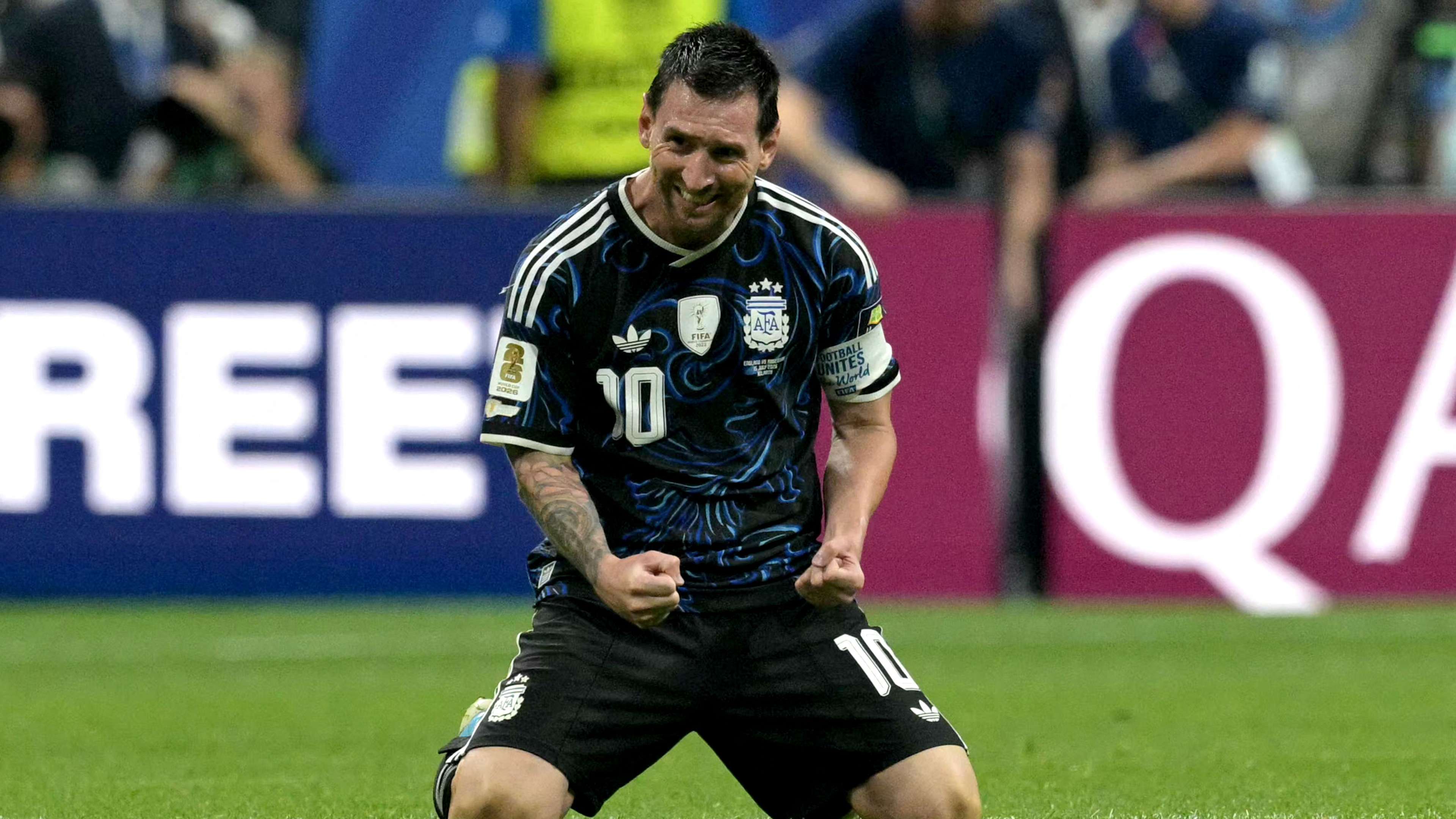
‘Diego is smiling from the heavens’ – Lionel Messi dedicates Argentina’s World Cup semi-final win to Maradona, calling it a ‘gift’ after sealing a spot in the final
-
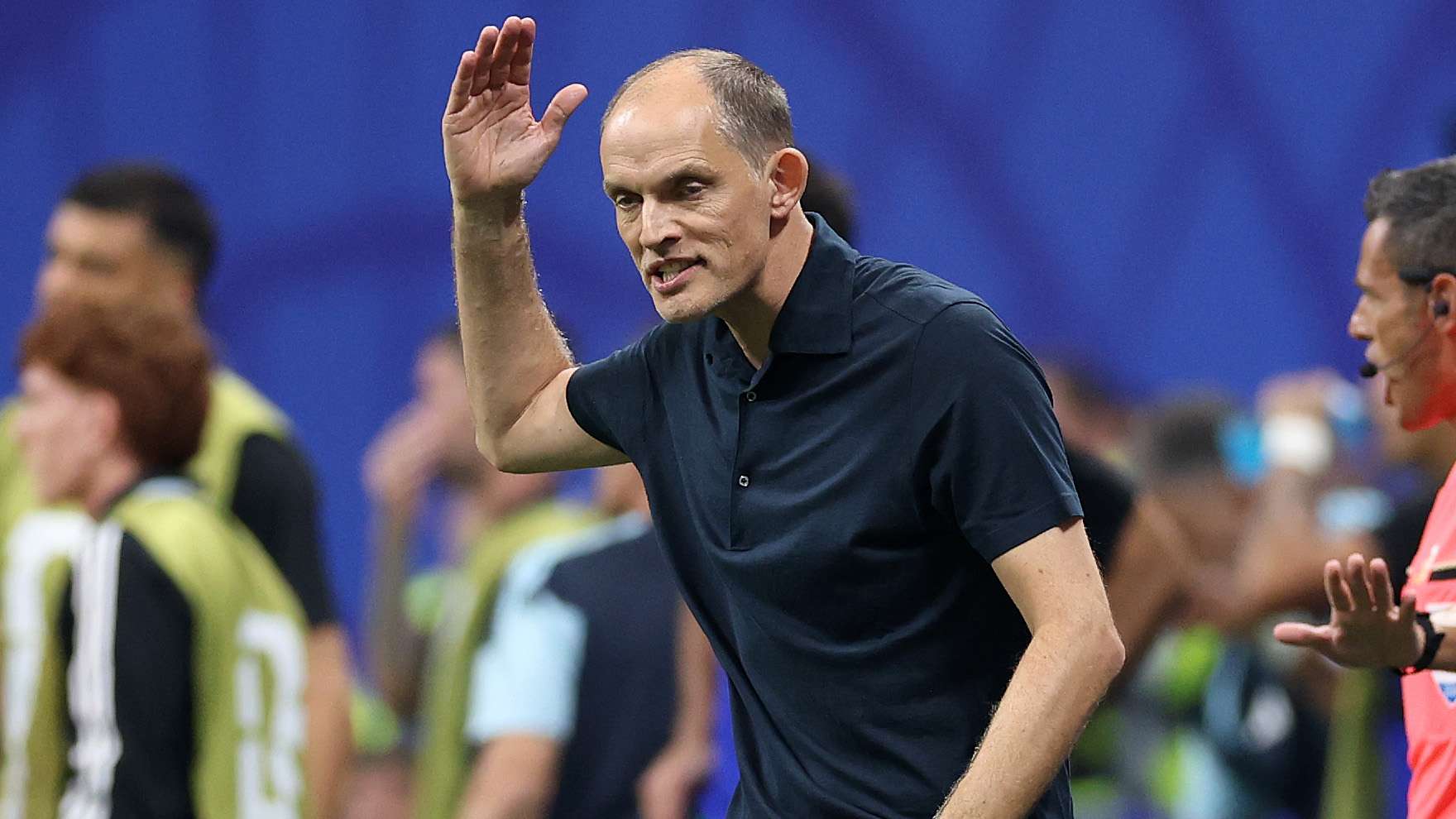
'Nobody wants to play' – Thomas Tuchel backs England’s semi-final feat, criticises World Cup third-place match against France
-
CM Mohan Yadav To Inspect The Country's Longest Sleemanabad Water Tunnel Today In Katni District