
Meta's famous chatting app WhatsApp is not limited to just chatting. Features like calling and file sharing are also available through it. Millions of users use this platform, and its features are constantly updated to meet the needs of the users. You can also share your location on WhatsApp. There are two types of location sharing features available in this app: current location and live location. It is also important to understand the difference between these two.
What is the difference between live and current location?
Live location on WhatsApp is a real-time location. This means that as soon as the user changes his location, his location also gets updated immediately. If you are traveling and sharing live location, then your location will keep getting updated along with you. On the other hand, current location is a static location. When you send current location, this location remains static and does not get updated even if the user's location changes.
When is it appropriate to send what type of location?
Current Location: If you want to share the location of a specific place like home, office, or mall, then sending the current location would be better.
Live Location: If you are traveling and want to tell your family members about your travel status, then it is better to share live location. This will allow them to track your current location in real time.
How to share location on WhatsApp
Open WhatsApp: First of all open WhatsApp app on your smartphone.
Go to the chat page: Go to the chat of the contact you want to send your location to.
Tap the attachment icon: Tap the attachment icon (resembling a paperclip) in the chat window.
Select location option: Tap on the 'Location' option here.
Enable GPS: Turn on GPS on your smartphone.
Send current location: Tap on 'Send your current location' and your current location will be sent.
Share Live Location: By tapping on Live Location, you can set a time limit and location sharing will stop once the time is over.
In this way, this setting of WhatsApp will help you in sharing your location according to your needs.
-
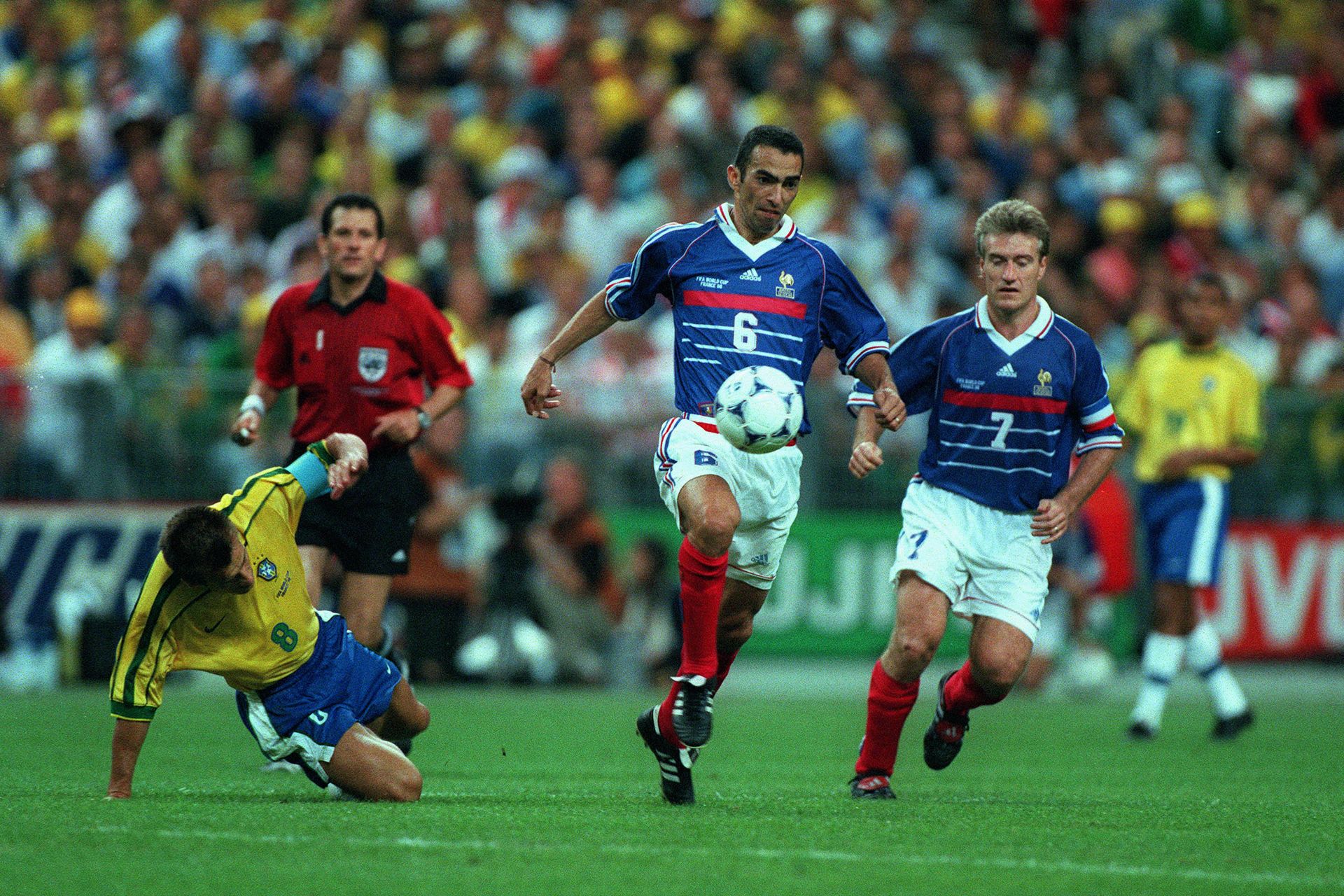
Youri Djorkaeff recounts visiting Brazil’s dressing room before the 1998 World Cup final to check on Ronaldo after his convulsions: ‘I told him, don’t leave me playing alone’
-
ITV line-up revealed for Argentina vs Cape Verde World Cup round of 32 clash

-
Will Luka Modric remain at AC Milan? Ruben Amorim working to persuade veteran midfielder to activate contract extension

-
Argentine media laud Lisandro Martínez for commanding World Cup performance

-
'I had to do it!' – Mohamed Salah’s audacious Panenka sends Egypt past Australia in World Cup penalty shootout thriller