

In today's digital world, WhatsApp is the most popular instant messaging app in the world, with more than 3 billion users all over the world. To enhance the experience of these users, it offers many types of features, one such feature the company has introduced is the Message Reminder feature. With this feature, you will get timely alerts for any unread message, ensuring that you never miss an important message again. Let's know the full details about it
How does the Message Reminder feature work?
Unread message tracking: This feature constantly monitors and tracks your unread messages.
Regular alerts: It sends you notifications from time to time about unread messages, ensuring that you don't forget to check important chats.
User-friendly: You can easily turn on this feature through WhatsApp settings without any hassle.
How will this feature benefit you?
Time Saving: Instead of constantly checking unread messages, this feature will notify you every time you need to check something important, saving you time.
Never Miss Important Messages: You will get timely reminders for unread messages, so you will never miss important updates or conversations.
Organized Chats: With the unread messages reminder, your WhatsApp chats will stay organized, and you can address any pending messages immediately.
How to use the Message Reminder feature?
Open WhatsApp on your device.
Go to WhatsApp Settings.
Go to Notification Settings.
After the update, you will see the Message Reminder option - just turn it on to activate it.
-
Official Canada Squad: Jesse Marsch Prepares Les Rouges to Make History at the 2026 World Cup

-
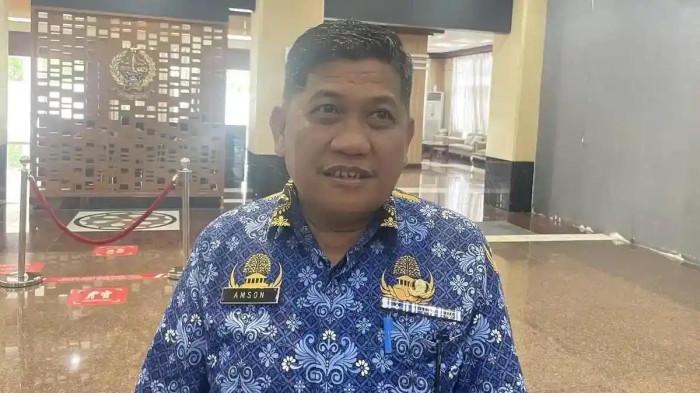
Argentina Packed with Stars, Amson Padolo Confident La Albiceleste Will Win the 2026 World Cup
-
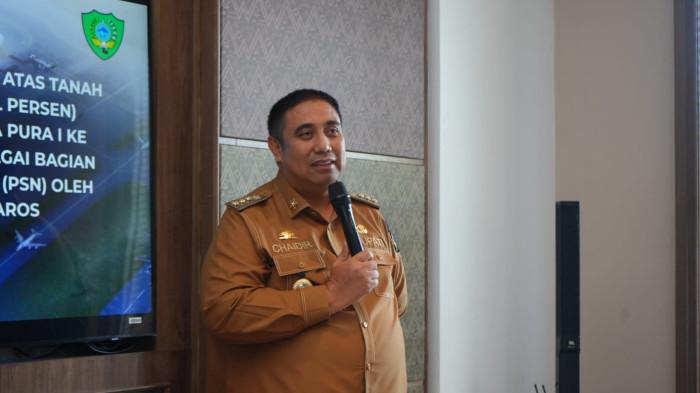
Chaidir Syam Favors France and Portugal for the 2026 World Cup
-
PSM Makassar Midfielder Rifky Dwi Septiawan Picks Spain as Favourite for the 2026 World Cup

-
Riau Parliament Speaker Backs Three Nations as Top Contenders for the 2026 World Cup Title