WhatsApp Storage Increase: Instant messaging app WhatsApp is now available in most people's phones. Be it office or school, all work is completed through it. There are so many chats on this day and night that storage issues are inevitable. Storage is required for everything including photo-video sharing and chats. In such a situation, what to do if the storage runs out? You won't have to do much for this. Follow the tricks we are telling you step by step. After this you will be able to use WhatsApp with pleasure.
Follow these steps
For this, first of all open WhatsApp in your smartphone. The process is same for both Android and iPhone. To clear storage on both phones, follow these steps.
- Go to the settings option of your WhatsApp. After this click on storage and data. Click on the option of Manage Storage. Sort, filter and delete data.
- Select a chat or channel. After this click on delete item. If there are multiple copies of a photo-video, delete all copies to make space.
- Delete unnecessary media files from WhatsApp. You will find this option in the phone gallery. Apart from this, you can also delete it from the gallery forever.
Delete chat history
To clear WhatsApp storage, you can delete chat history. For this, open the related chat. Click on the three dots above or the settings option in chat. Click on more. The option of 'Clear Chat History' will be shown. Delete chat history. Most of the space is occupied by group chats. You can delete the chats of your office group and friends group from time to time.
-
Official Canada Squad: Jesse Marsch Prepares Les Rouges to Make History at the 2026 World Cup

-
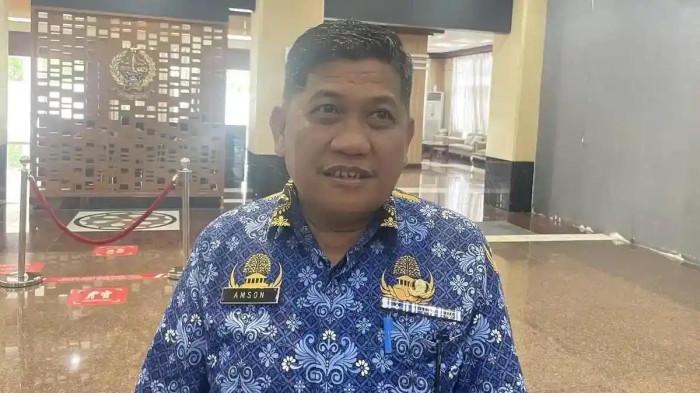
Argentina Packed with Stars, Amson Padolo Confident La Albiceleste Will Win the 2026 World Cup
-
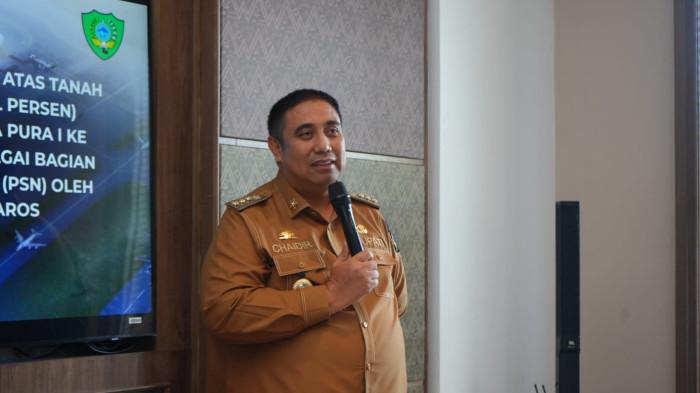
Chaidir Syam Favors France and Portugal for the 2026 World Cup
-
PSM Makassar Midfielder Rifky Dwi Septiawan Picks Spain as Favourite for the 2026 World Cup

-
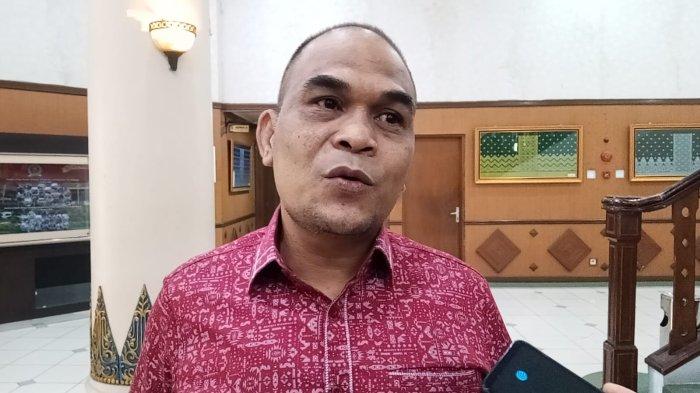
Riau Parliament Speaker Backs Three Nations as Top Contenders for the 2026 World Cup Title