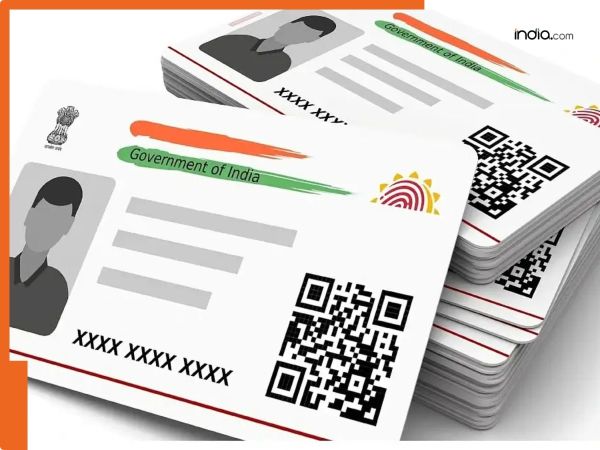
New Delhi: The Aadhaar Card has become one of the most important documents for completing both government and non-government works. It is held by people of all age groups—from children to the elderly. However if your Aadhaar is not linked to the correct or active mobile number it can lead to several difficulties. For example you may not receive OTPs via message when needed. Many schemes are also linked to our Aadhaar. For any changes in these schemes an OTP is sent to the mobile number linked to your Aadhaar. Without this OTP there may be problems during verification. Therefore it is necessary to have the correct or current mobile number linked with Aadhaar. For the convenience of the customers we have mentioned the steps via which they can change the mobile number linked to the Aadhaar Aadhaar Card Mobile Number Update: How to Change Your Mobile Number? To change the mobile number in any Aadhaar card you need to follow the steps below: Step 1: First visit the UIDAI website. Step 2: Here under My Aadhaar you will see the “Get Aadhaar” option. You will also find the “Book Appointment” option here. Step 3: Enter your city or location and click on Proceed to Book Appointment. Step 4: Now enter your mobile number and captcha then enter the OTP received on your phone. Step 5: Select the Resident Type. Step 6: Enter the required details such as your new mobile number. Step 7: Click on Next then choose the appointment date and time when you want to visit. Step 8: Review all the details carefully once again then click on the Submit button. Step 9: Visit the Aadhaar center on the selected date and time. An official there will take your biometric details and link your new mobile number with your Aadhaar.
-
Emma Roberts marries Cody John in intimate Idaho Wedding after four years together; aunt Julia Roberts attends - PICS

-
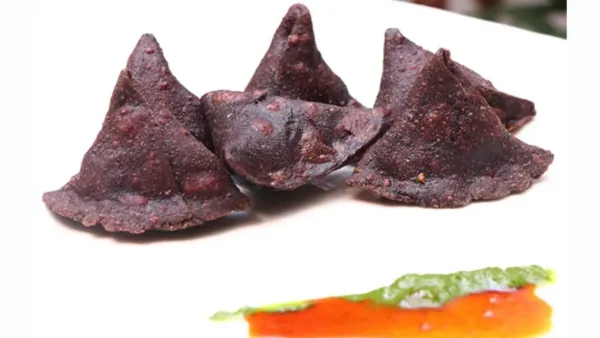
No Maida Samosa Recipe: If you can’t stop eating samosas, then make healthy samosas without flour at home, note down the recipe.
-
Who is Rishikant Channambam? Who created history in Commonwealth Games, won silver and made a record in snatch

-
Demand for separate province in Pakistan intensifies, MQM-P opens front against Sindh government; Thousands gathered in Karachi-Hyderabad

-
After what age one should not drink milk, know from experts why people are shifting to ‘almond soya milk’.. – News Himachali News Himachali