
Friends, in today’s modern era, WhatsApp is the most popular app of instant messaging, which has more than 4 billion users all over the world, the company brings new features for its users, in 2026, WhatsApp introduced many advanced privacy and security features, the purpose of which is to give users stronger control over their personal data. Let us know about these features-
Advanced Chat Privacy
One of the biggest privacy upgrades for WhatsApp in 2026 is the advanced chat privacy feature. After turning it on, users can’t take screenshots of chats. This feature is especially useful for private and sensitive conversations, as it helps users keep their chats safe from being shared with anyone else.
How to turn it on:
Open any chat or group → Tap on the chat name → Turn on Advanced chat privacy.
End-to-end encrypted backups
Many users regularly back up their WhatsApp chats to Google Drive or iCloud. However, insecure backups can increase the risk of data leakage. To solve this problem, WhatsApp now offers end-to-end encrypted backups.
chat lock feature
The Chat Lock feature is perfect for users who want to keep certain conversations completely private. Locked chats are automatically moved to a separate folder and cannot be opened without verification.
How to turn it on:
Open chat profile → scroll down → select Chat Lock.
View Once Feature
WhatsApp’s View Once feature lets users send photos and videos that automatically disappear after being viewed just once.
How to use:
When sending a photo or video, tap the “1” icon before sending.
Passkey Feature
To further strengthen account security, WhatsApp has introduced the Passkey feature as a modern alternative to the traditional password.
Amidst the increasing incidents of cyber fraud and account hacking, Passkey gives fast and secure access without the hassle of remembering passwords.
How to turn it on:
Go to Settings → Account → Passkey → Complete biometric setup.
-
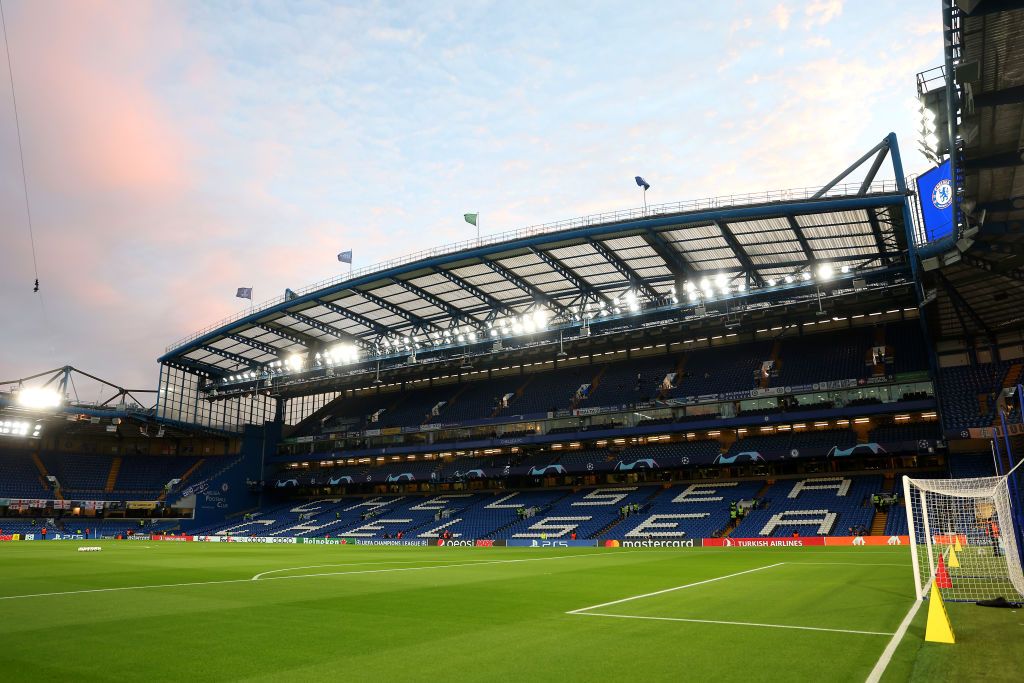
Chelsea’s Kendry Paez faces uncertain future as club prepares Stamford Bridge return: report
-
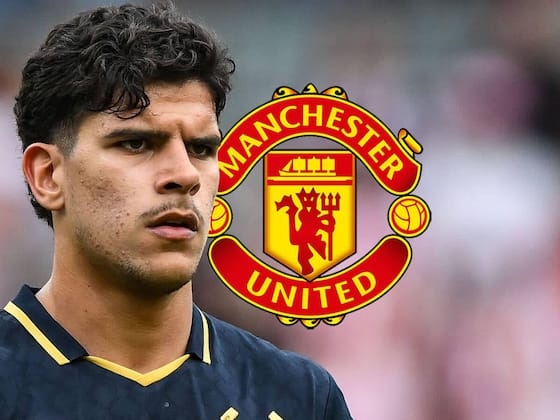
Manchester United fast-track talks to sign £80m-rated Mateus Fernandes following Ederson agreement in potential double summer coup
-
Pep Guardiola says future Manchester City fans may just remember him as ‘the bald guy’

-
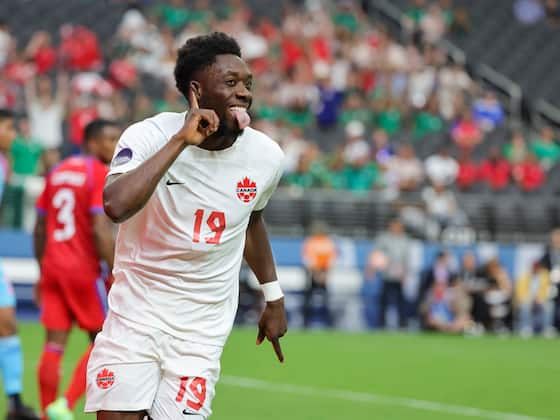
World Cup 2026 Group B Preview: A Chance for New Nations to Create History
-
🚑 Medical Car Collides with Player During Ecuador Match