
Millions of users around the world use WhatsApp. Due to WhatsApp having a large user base, all types of features are available on the platform.
WhatsApp is not used only for chatting. Users also use WhatsApp for file-sharing.
Is it happening with you too that the photos you are downloading on WhatsApp are not visible in the phone's gallery? If yes, then this is happening because of a special setting offered by WhatsApp.
Why are photos not visible in the WhatsApp gallery?
The option of media visibility is available on WhatsApp. If you keep this setting enabled then you can immediately find the new photo downloaded on WhatsApp in the phone gallery.
However, this setting is related to storage. This setting is also kept off to save phone storage. If WhatsApp photos are not visible in your phone gallery then it is because the media visibility setting is turned off.
How to turn on WhatsApp media visibility setting
First of all, you have to open WhatsApp.
Now you have to click on three dots on the top right corner.
Now you have to tap on Settings.
Now you have to tap on Chats.
Here the toggle next to Media Visibility has to be checked.
Now the toggle next to this option will have to be turned on.
As soon as you turn on this toggle, all the photos will be available in the phone's gallery.
Follow our Whatsapp Channel for latest update
https://whatsapp.com/channel/0029VaBgLMfGU3BO99EQv62t
-
Manchester United show interest in Crystal Palace star Ismaila Sarr, a lifelong Red Devils supporter

-
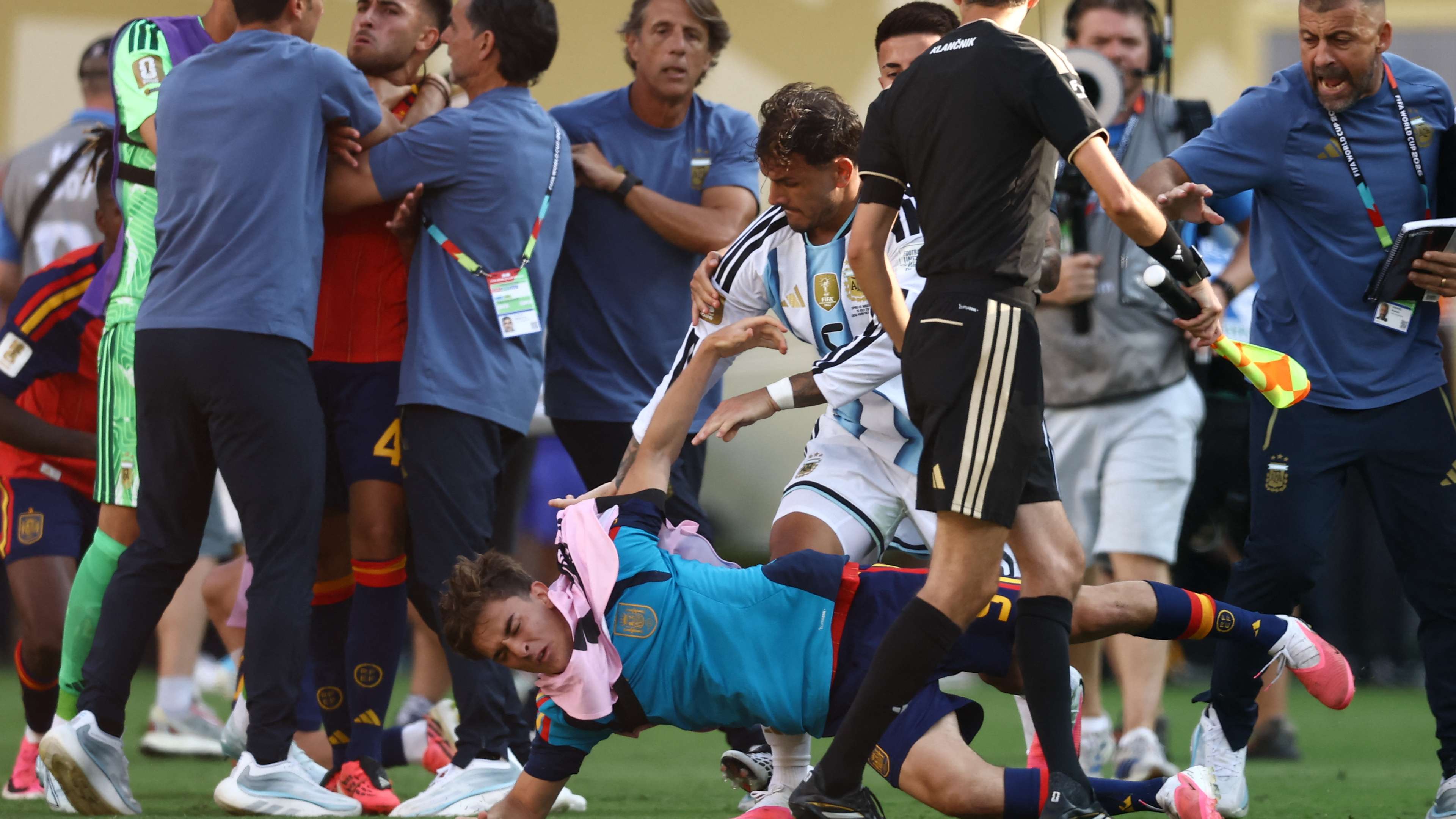
‘I would have headbutted him!’ – Zlatan Ibrahimovic accuses Spain players of not confronting ‘unprofessional’ Leandro Paredes after chaotic World Cup final scenes
-
Curry Leaves Benefits: Amazing benefits of curry leaves, from diabetes to hair and digestion, know why it is a superfood.

-
6 Simple and Stylish Mehndi Designs for Sawan

-
Free beach dance sessions in Da Nang become a fitness craze among expats