
We often use various services, including UPI, through the internet. But did you know that you can make payments using UPI even without an internet connection?
Lack of internet access can be problematic when needing to make urgent payments. We primarily use the internet for online transactions, including UPI. However, UPI payments can be made offline.
)
Make offline UPI payments from your mobile phone. Dial *99#, the official USSD code. This service, introduced by the National Payments Corporation of India (NPCI), ensures access to banking services without internet.
The USSD service facilitates various banking operations, including sending and receiving money between banks, checking account balance, and generating or changing UPI PIN.
To make offline UPI payments, dial *99#. A menu will appear with available options: Send Money, Request Money, Check Balance, Pending Payments, Transactions, and UPI PIN.

To send money via mobile number, enter the recipient's UPI-linked mobile number and click 'Send.' Enter the amount and click 'Send' again. Add a remark if needed. Enter your UPI PIN to complete the transaction.
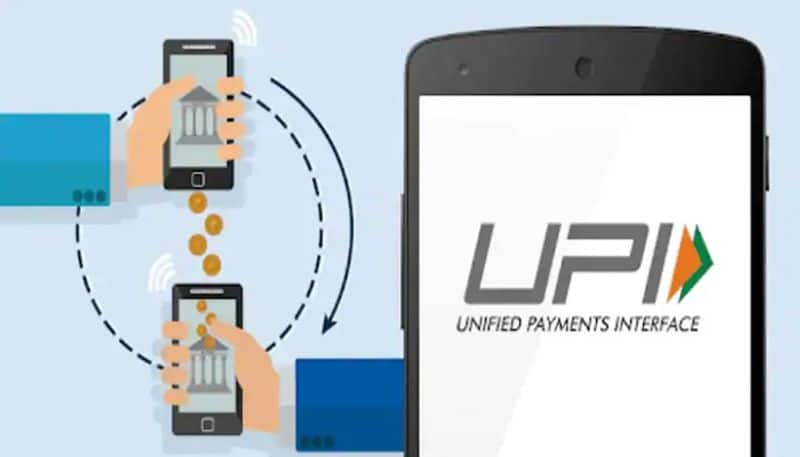
The USSD service is useful for offline UPI transactions. However, it can be deactivated. To block offline UPI services, dial *99# from your registered mobile number and follow the instructions.
-
Premier League — Japan defender Tomiyasu joins Crystal Palace on free transfer

-
Heavy Rains Paralyse Delhi-NCR: Widespread Waterlogging And Traffic Chaos As IMD Issues Red Alert

-
A Deal with Iran over Strait of Hormuz May Require a Compromise from Trump

-
Middle East On Boil: Houthi Strike Kills Over 60 Saudi-Backed Forces in Yemen, Raises Fears Of Wider Escalation

-
Have Old Car/Bike? Get PUC Done Every 3 Months Says Govt